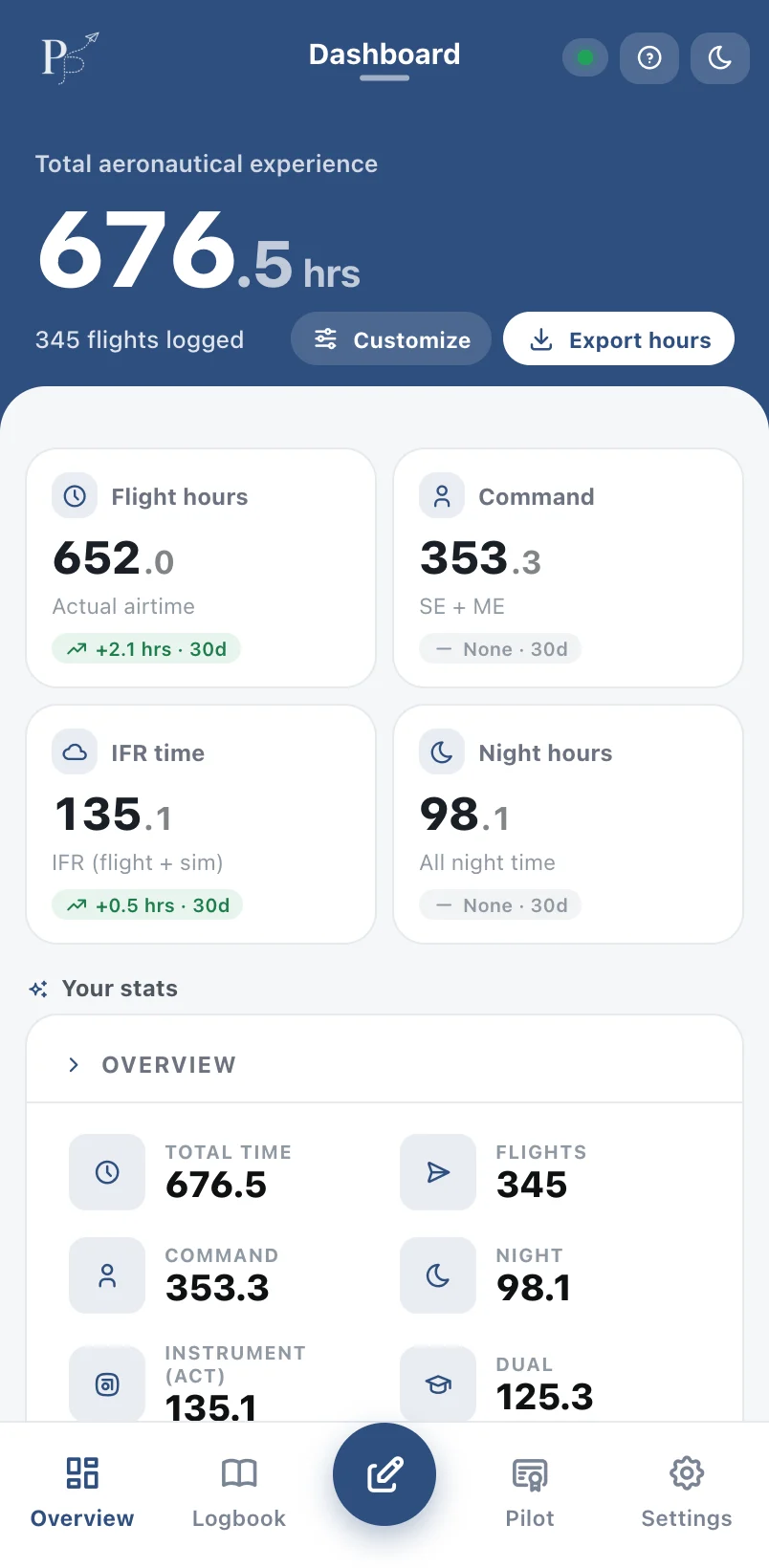
See how PilotPage works
Every feature is built to save you time in the cockpit and at the desk. Here's each one in action.
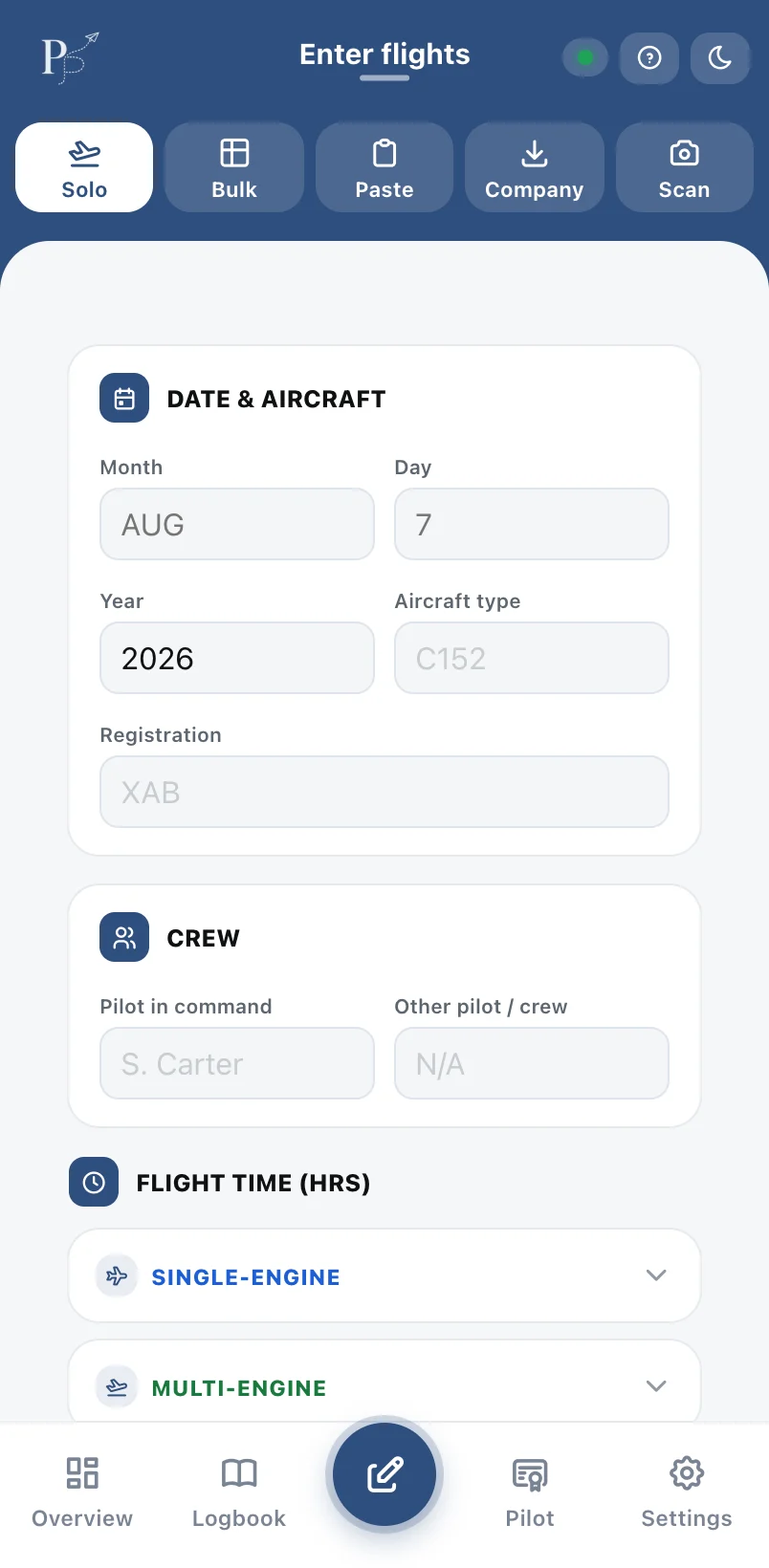
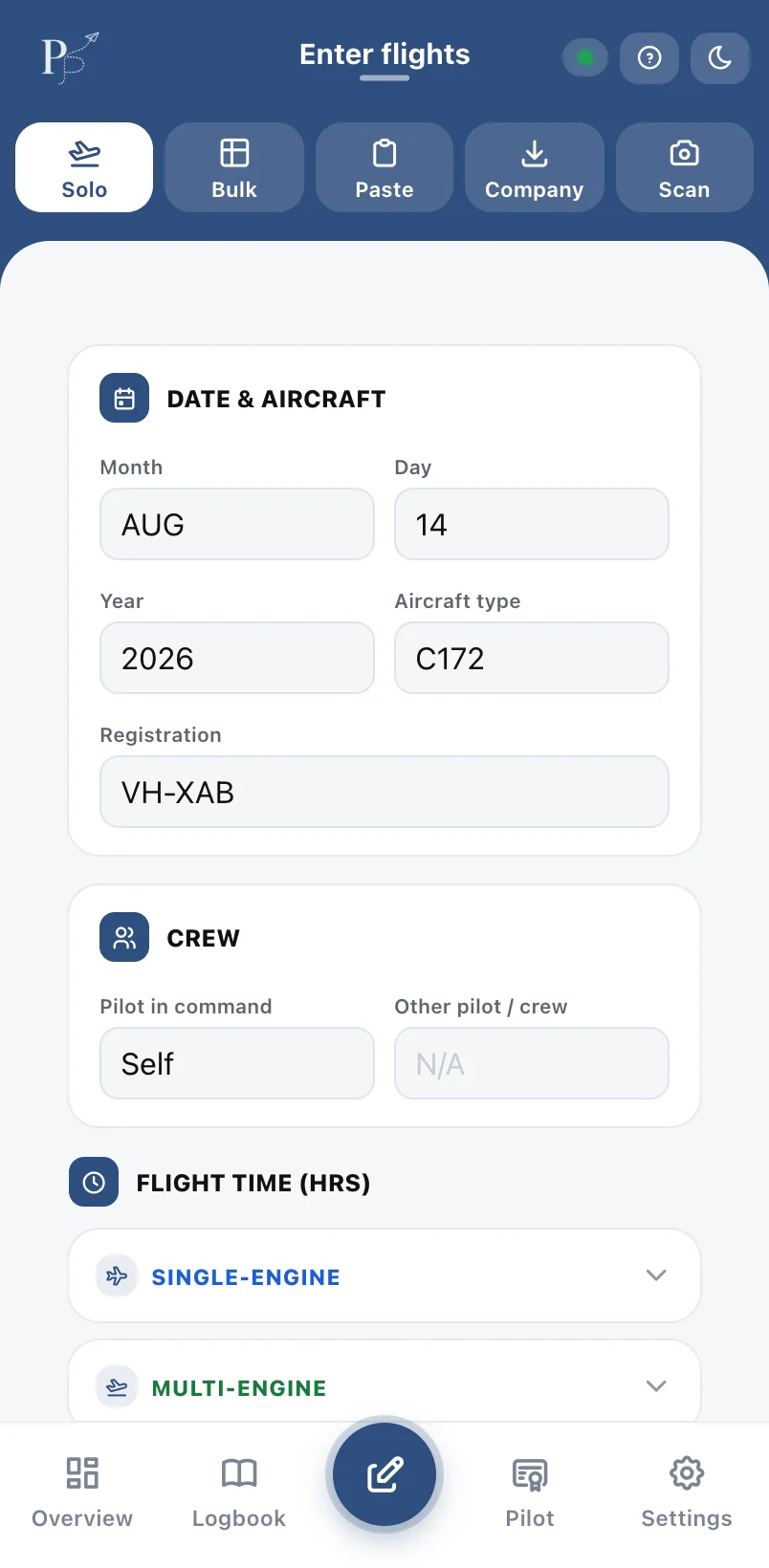
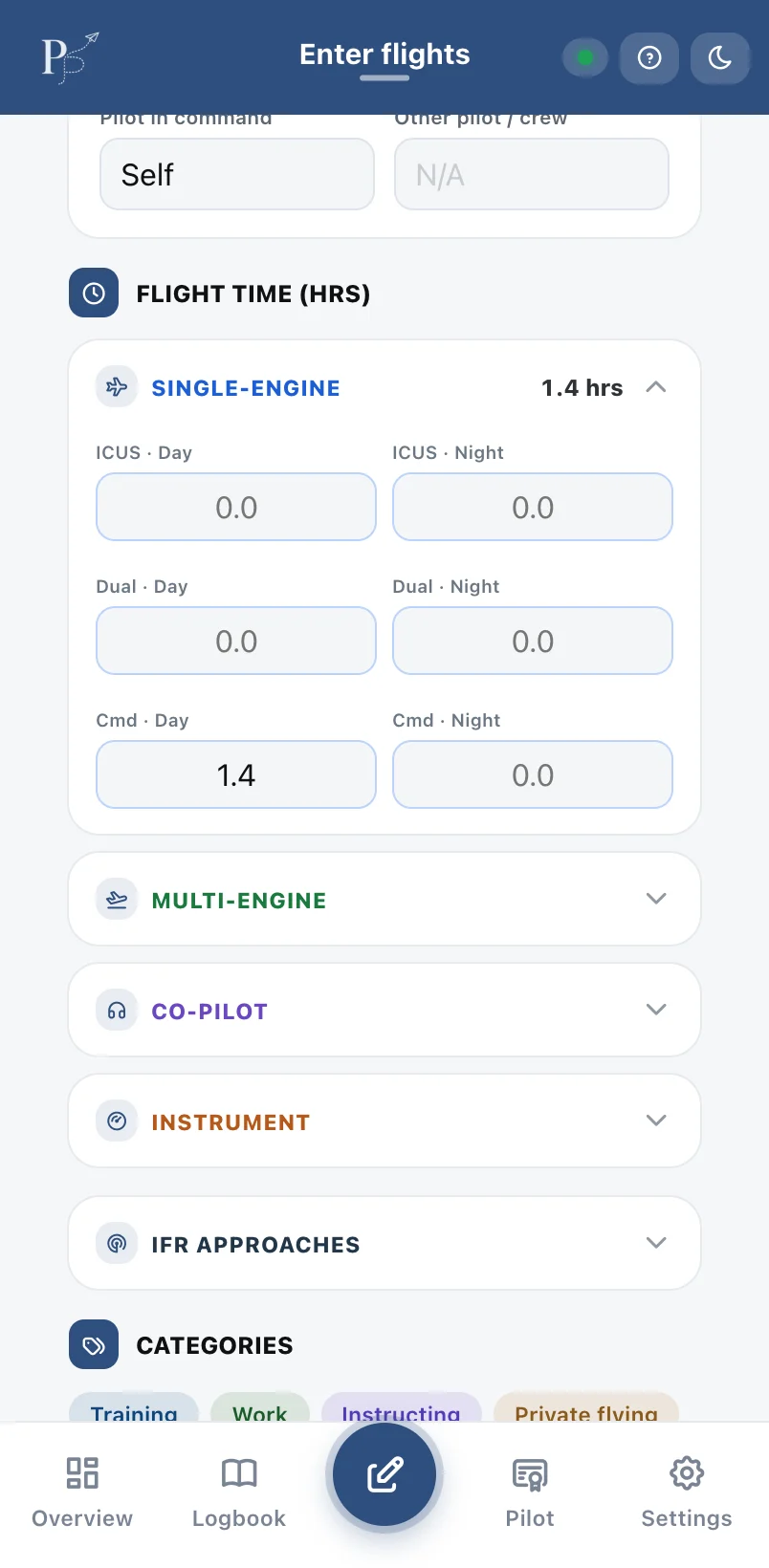
Log a flight in seconds
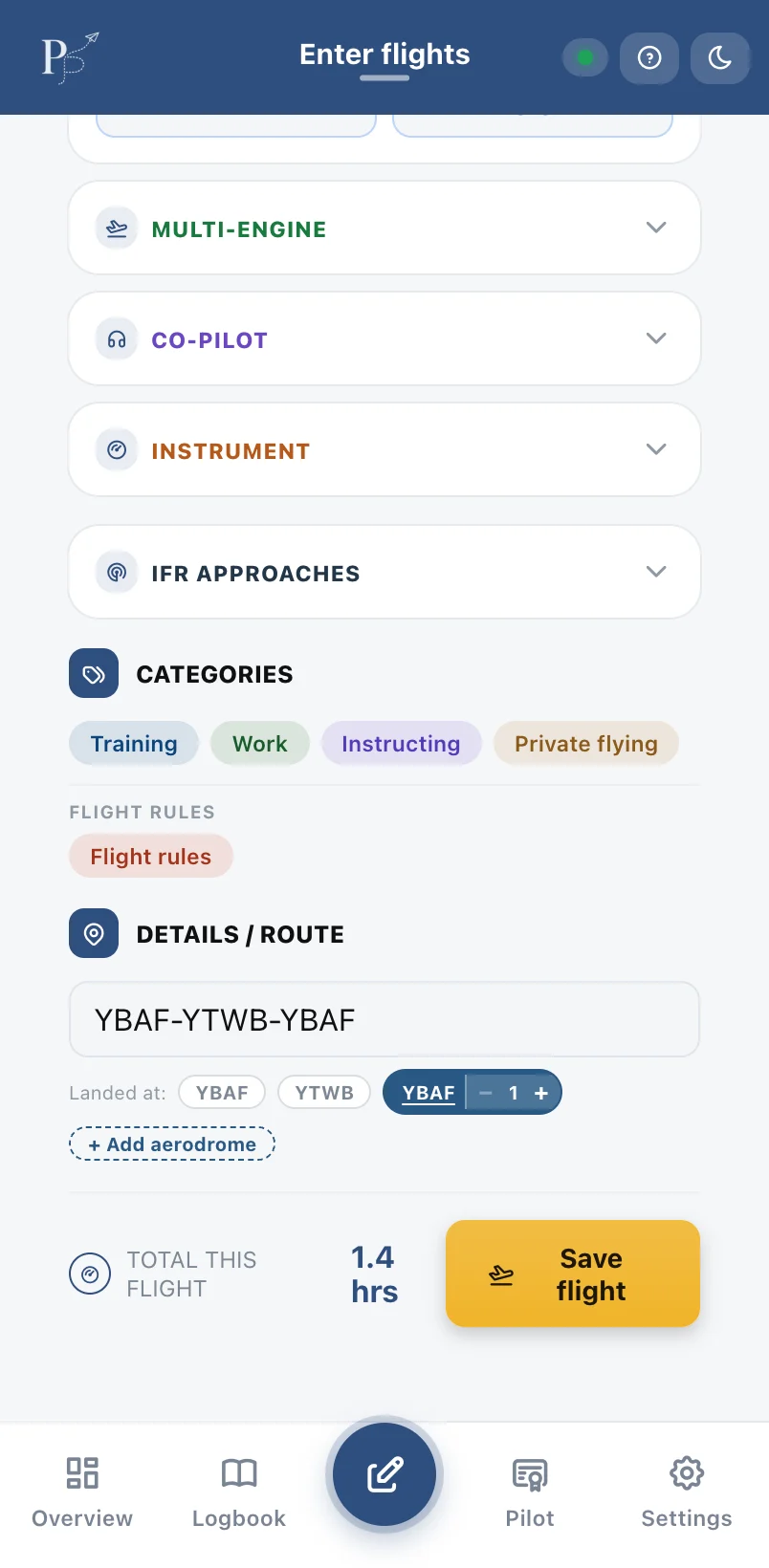
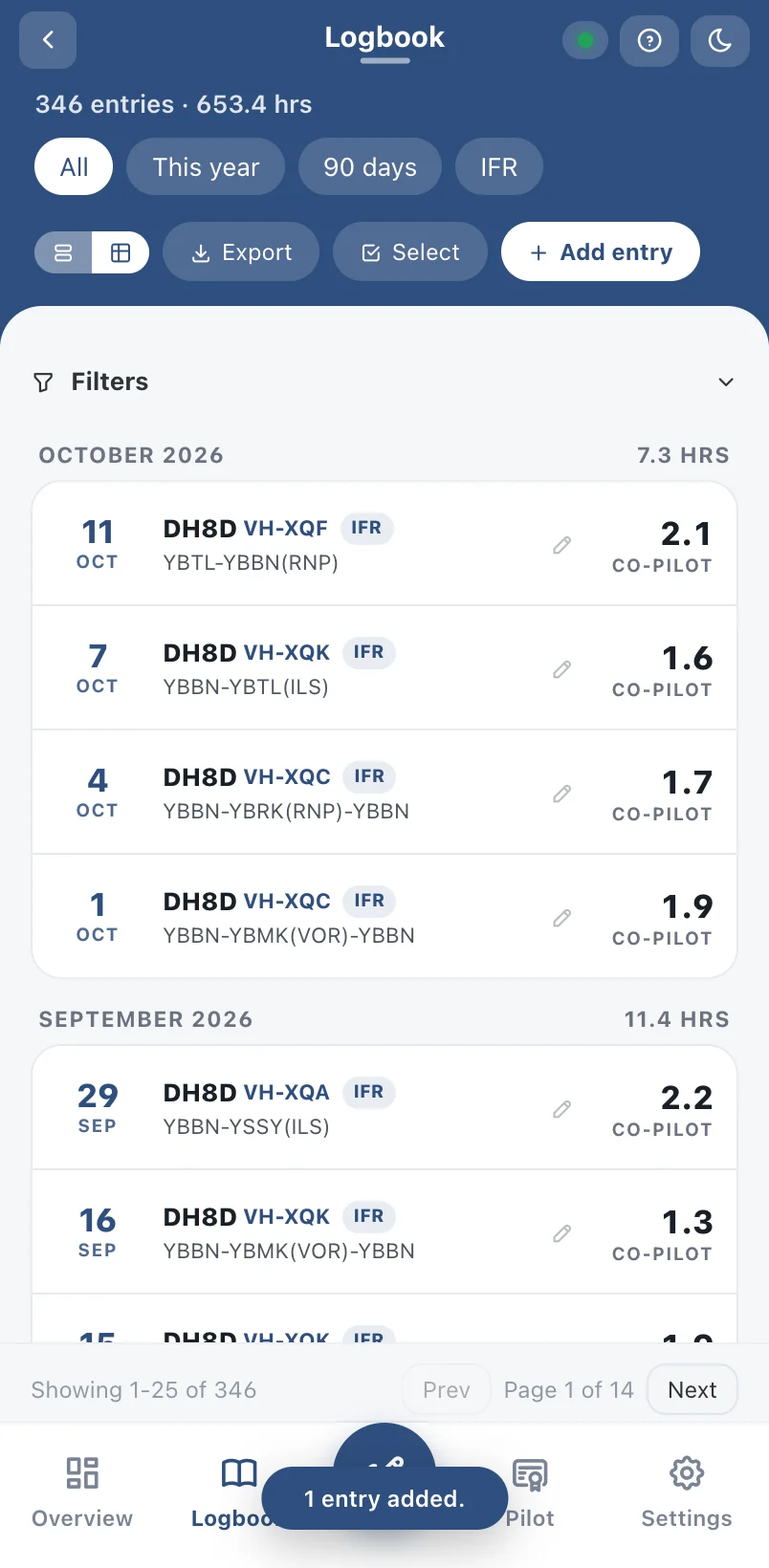
Big, simple fields with smart suggestions for aircraft, crew and routes you've used before. Save, and every total updates instantly.
- Remembers your aircraft, registrations and crew
- Landings picked up from your route
- Works on iPhone, iPad and computer
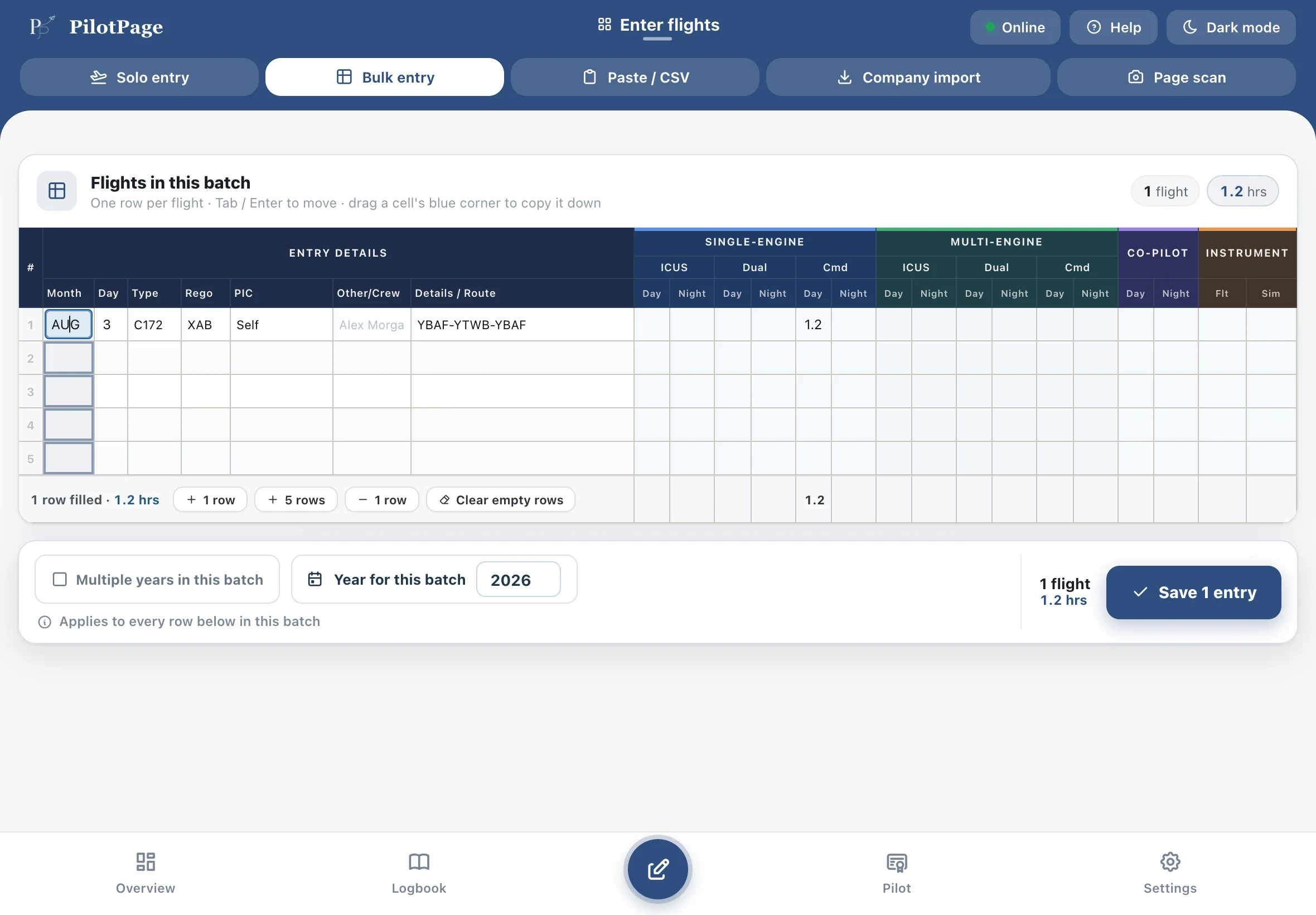
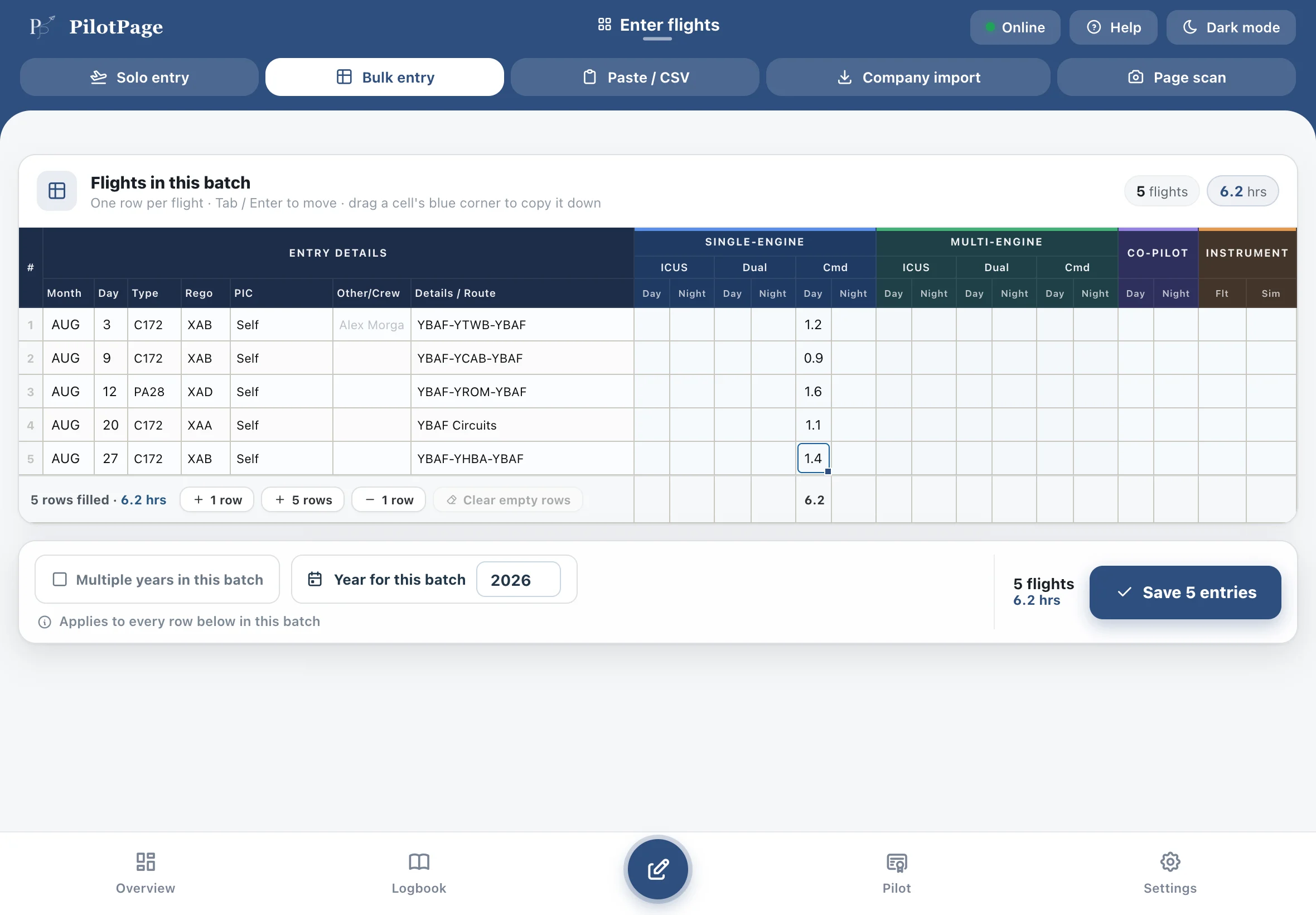
Catch up on months at once
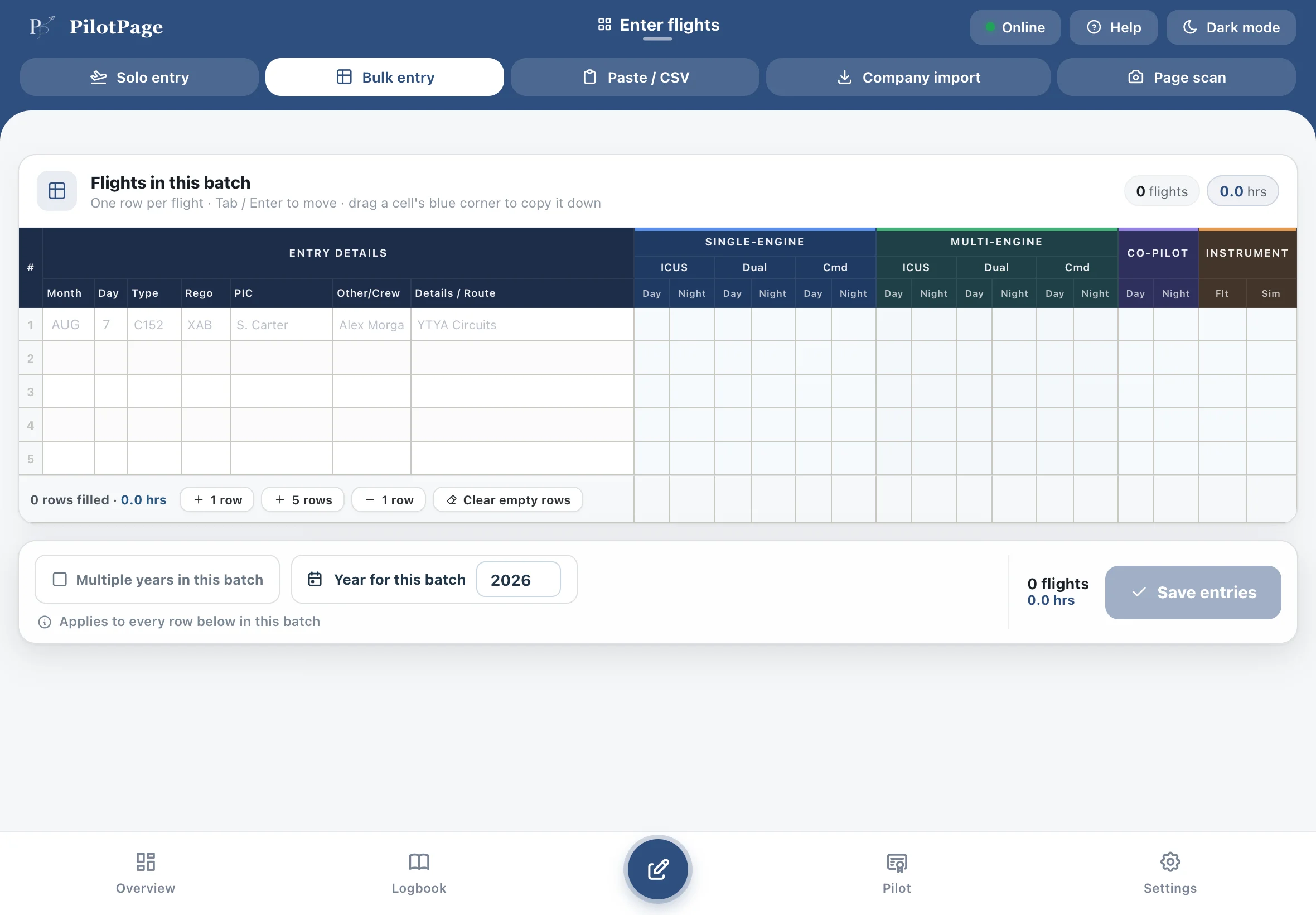
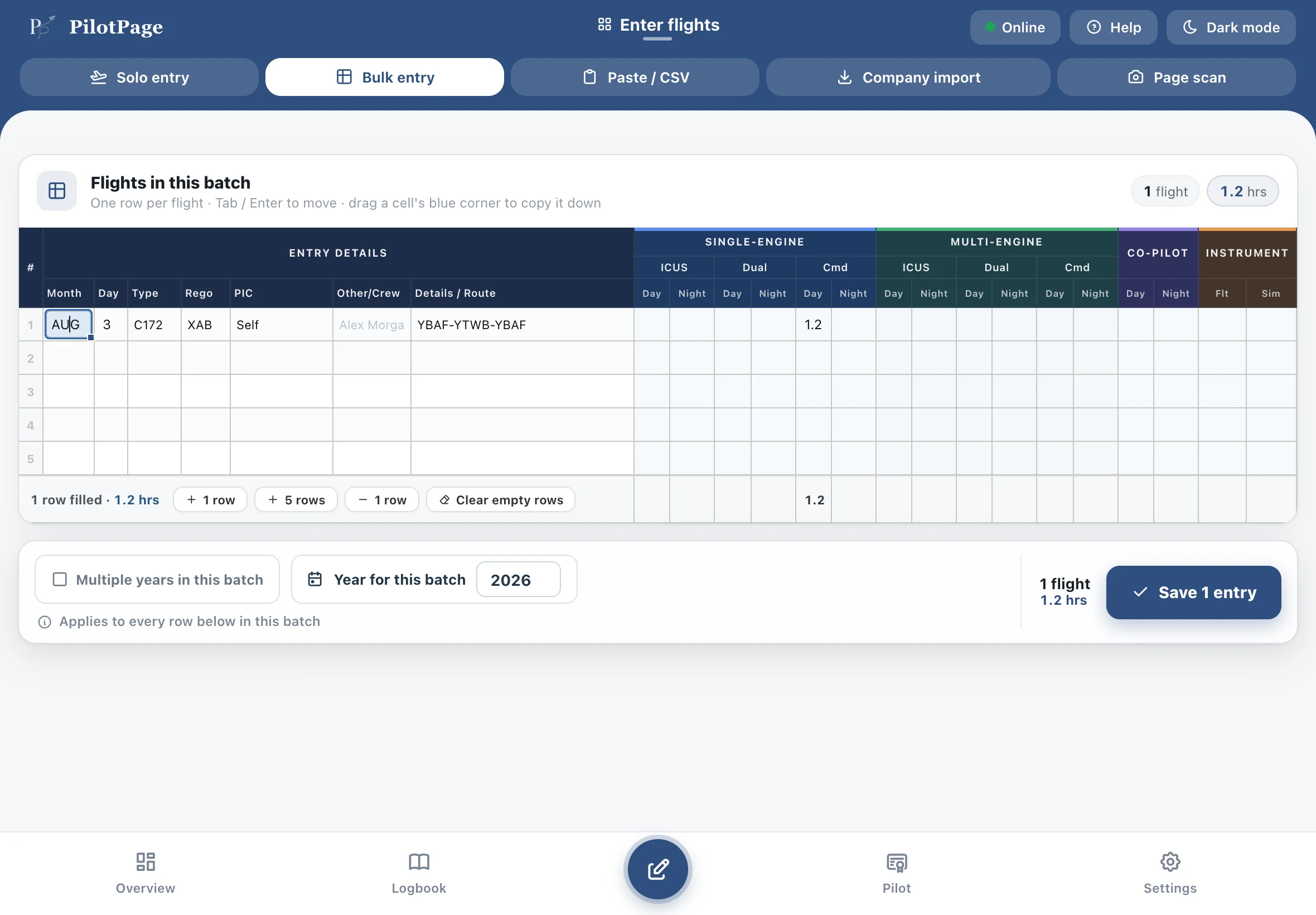
A spreadsheet-style grid for entering lots of flights. Drag down to fill a column — perfect for the month, aircraft or crew.
- Drag-to-fill like a spreadsheet
- Paste straight from Excel or Numbers
- Import company logbook exports
Scan your paper logbook
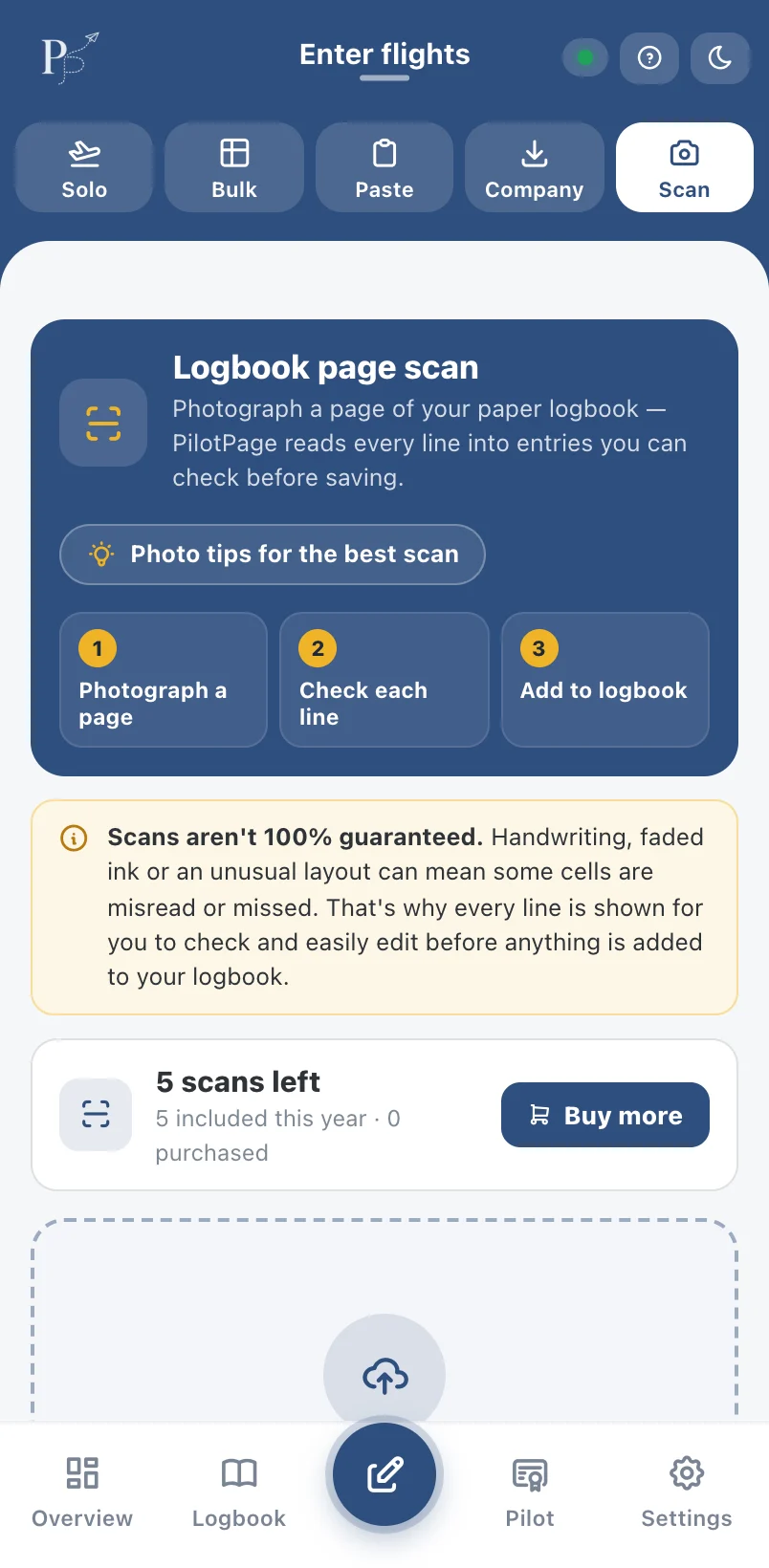
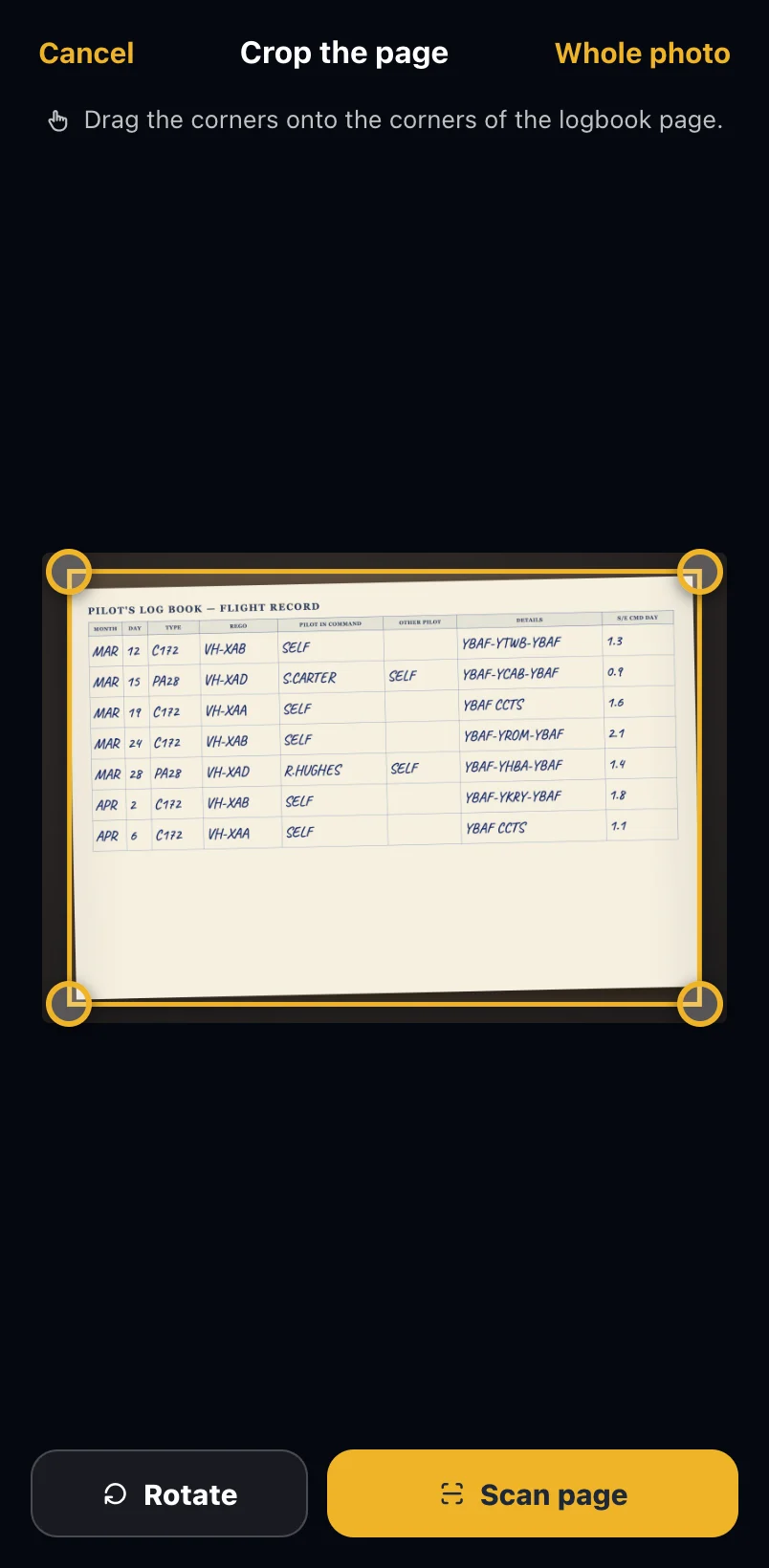
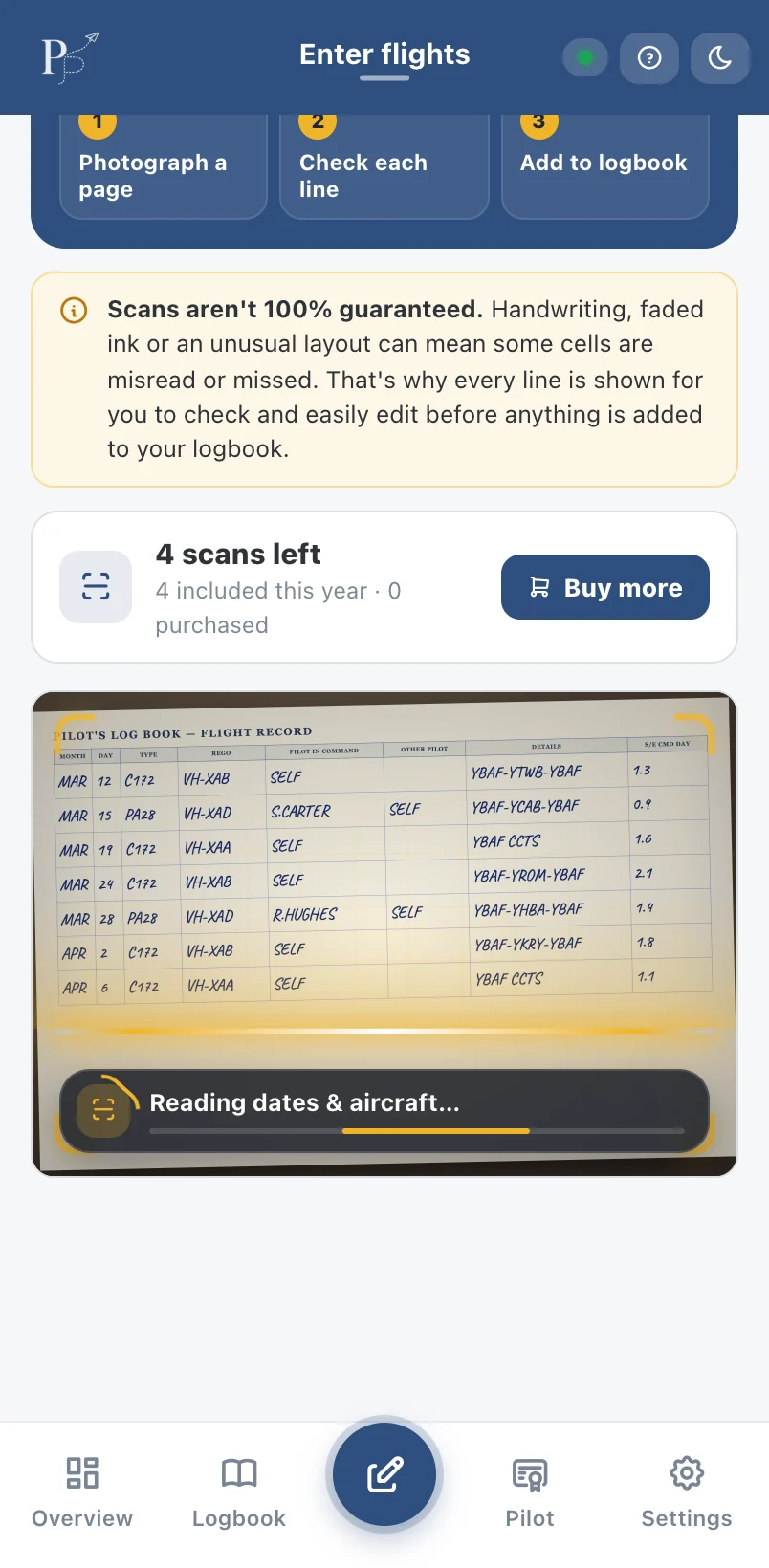
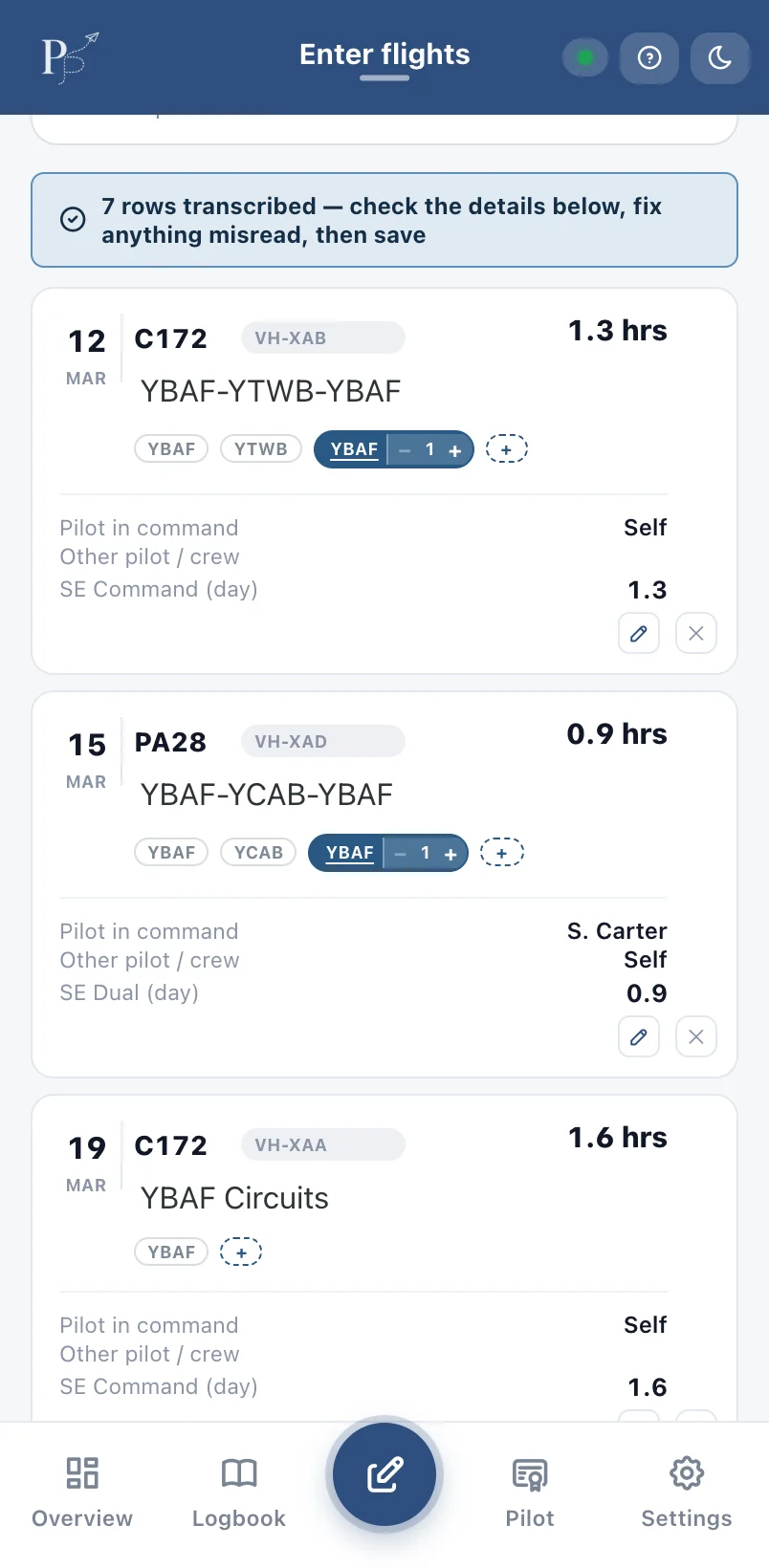
For pilots who've held off on a digital logbook because of all the typing. Photograph a page of your paper logbook and PilotPage's AI reads each line into entries you can check and save.
- Turns handwritten pages into flights
- Review every line before saving, side by side with the page
- 5 scans a year included with yearly Pro, plus scan packs any time
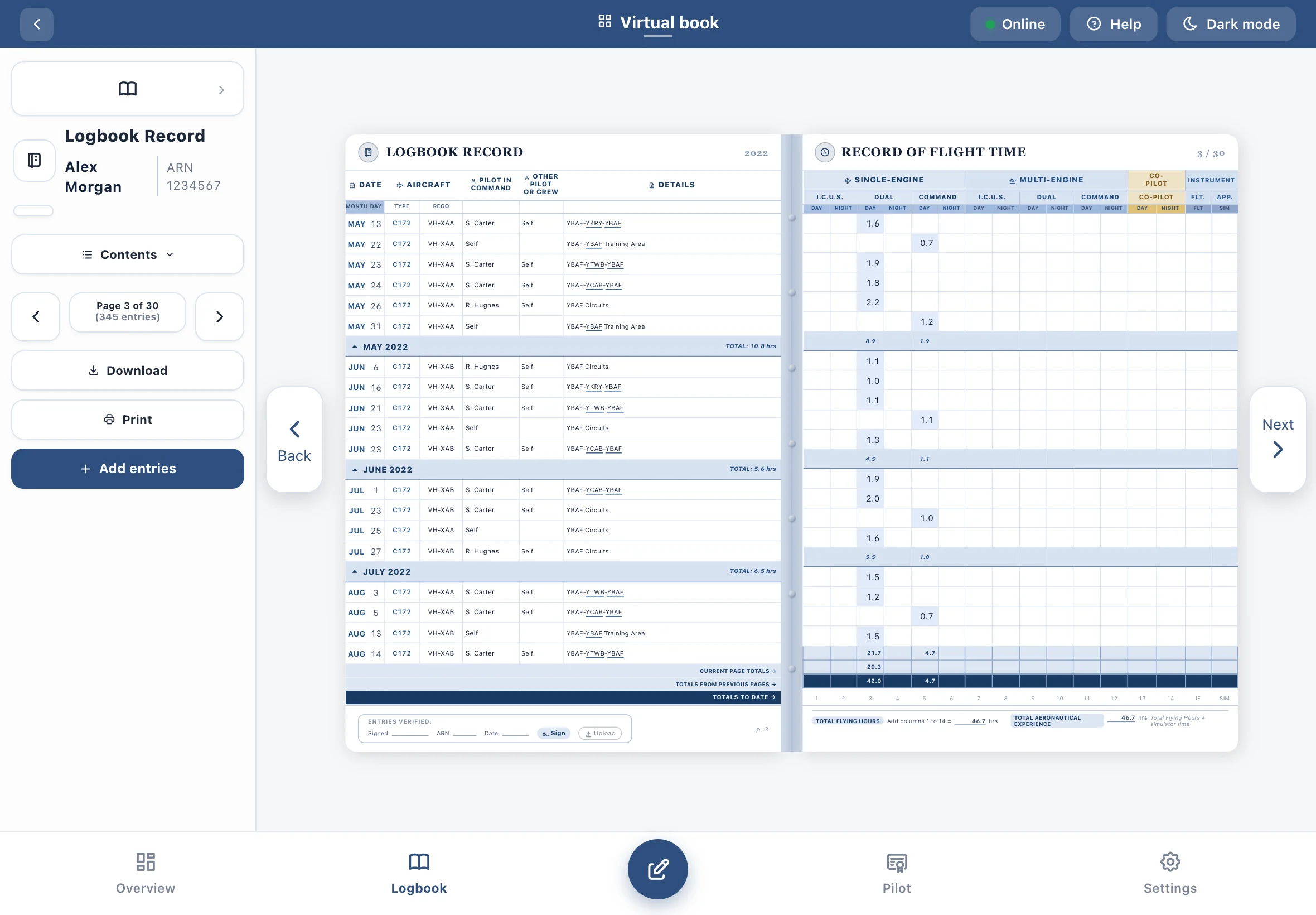
A logbook that looks the part
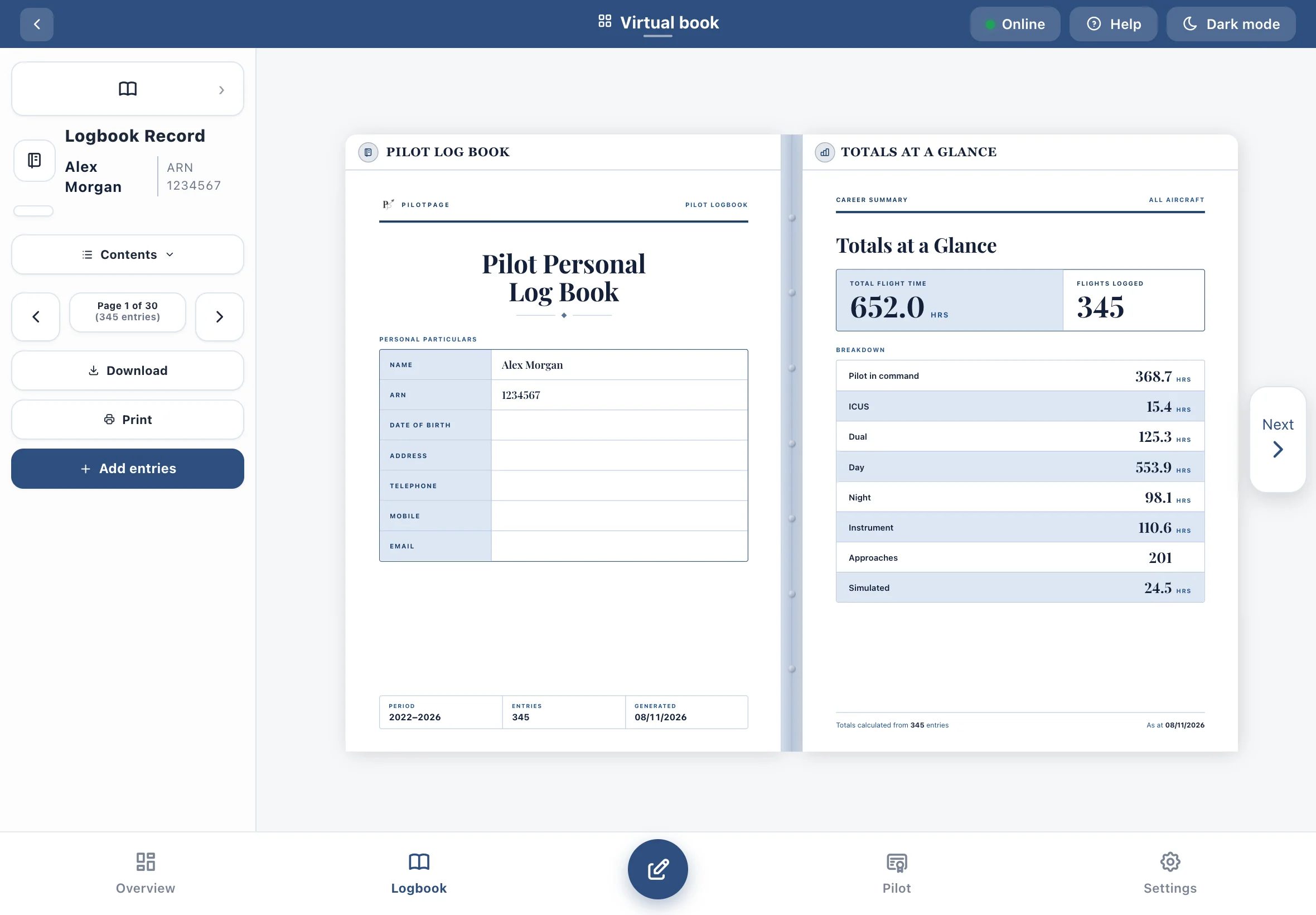
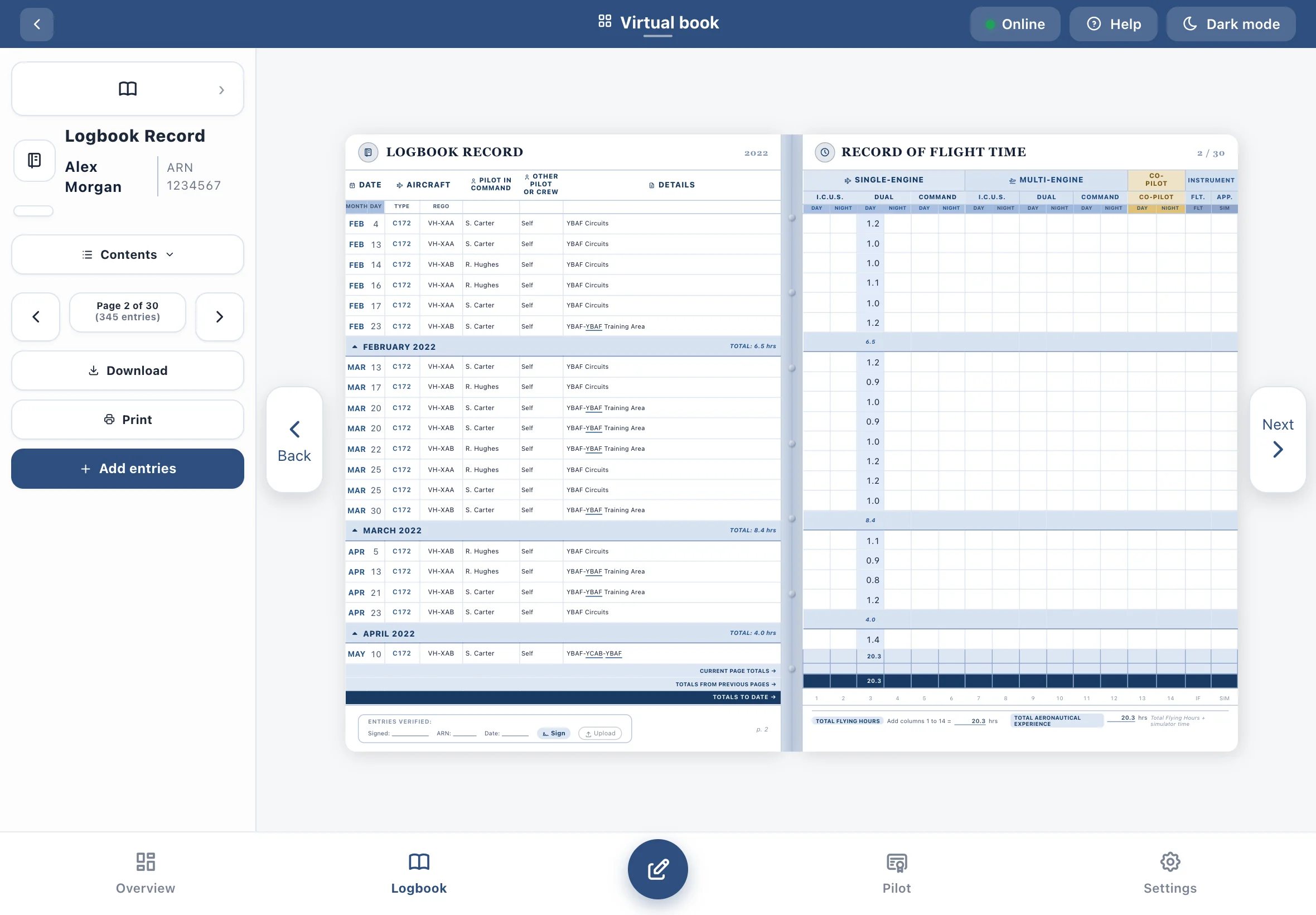
Flip through printed-style pages with running page totals, choose a cover style, then print or save a PDF. It's a familiar layout that's easy for employers and examiners to read, with neat columns and totals that add up.
- Classic Part 61 column layout, ready for job applications
- Six logbook styles
- Print the whole book or A5 pages
Know you're current
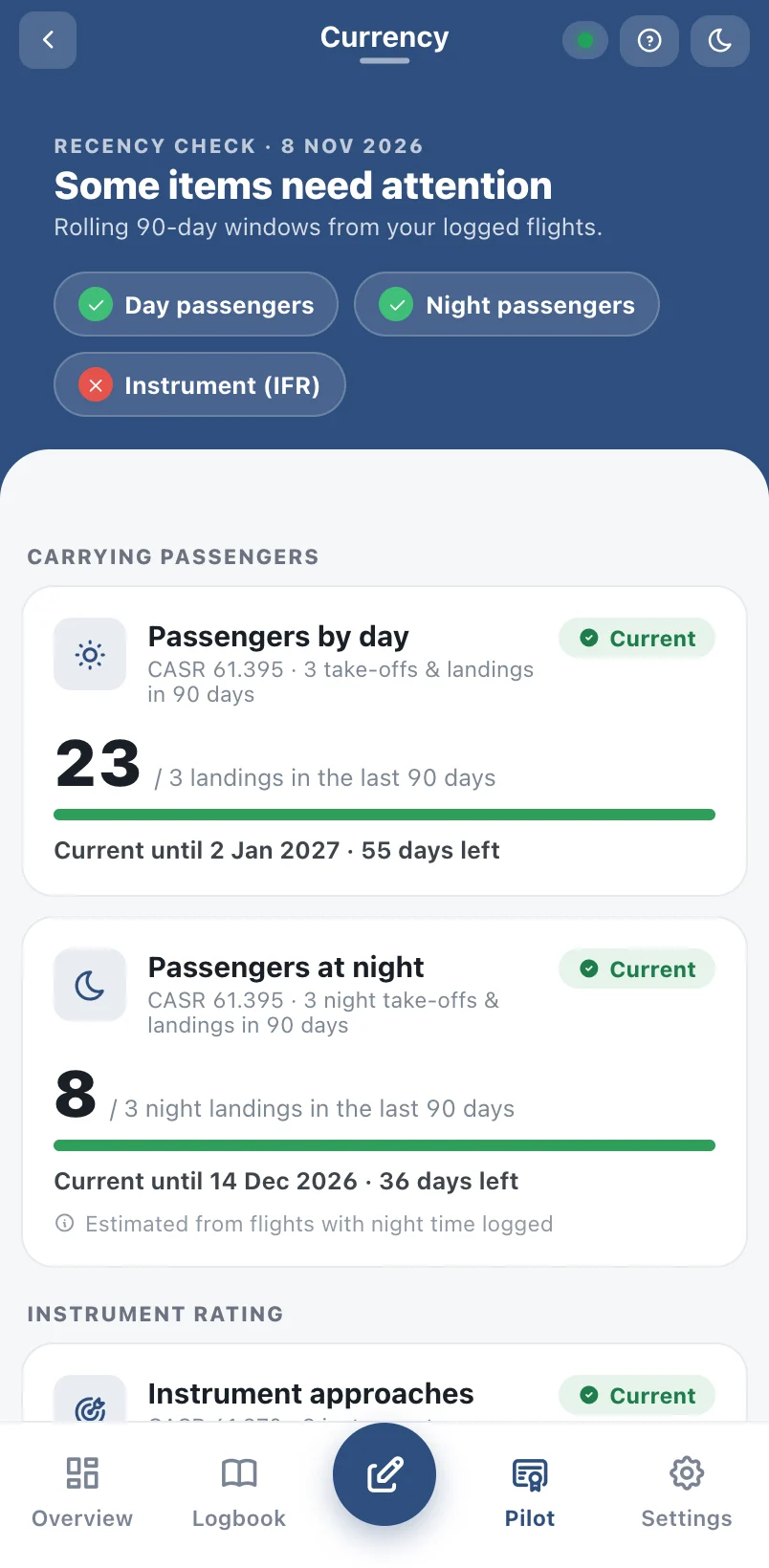
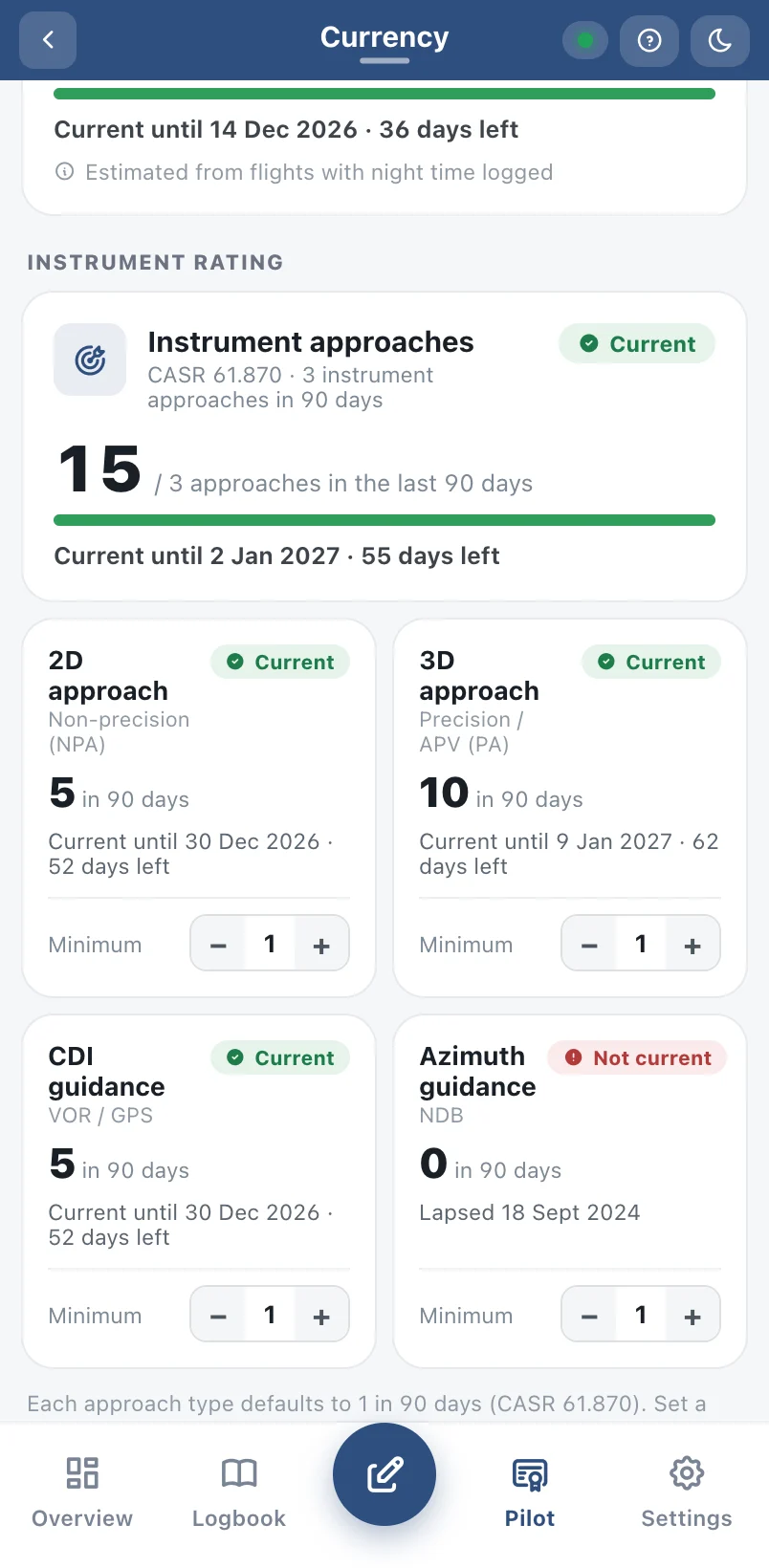
Passenger, night and instrument recency is worked out from your logged flights, with the date each one runs out.
- Day and night passenger recency
- Instrument approach recency by type
- Clear warnings before anything lapses
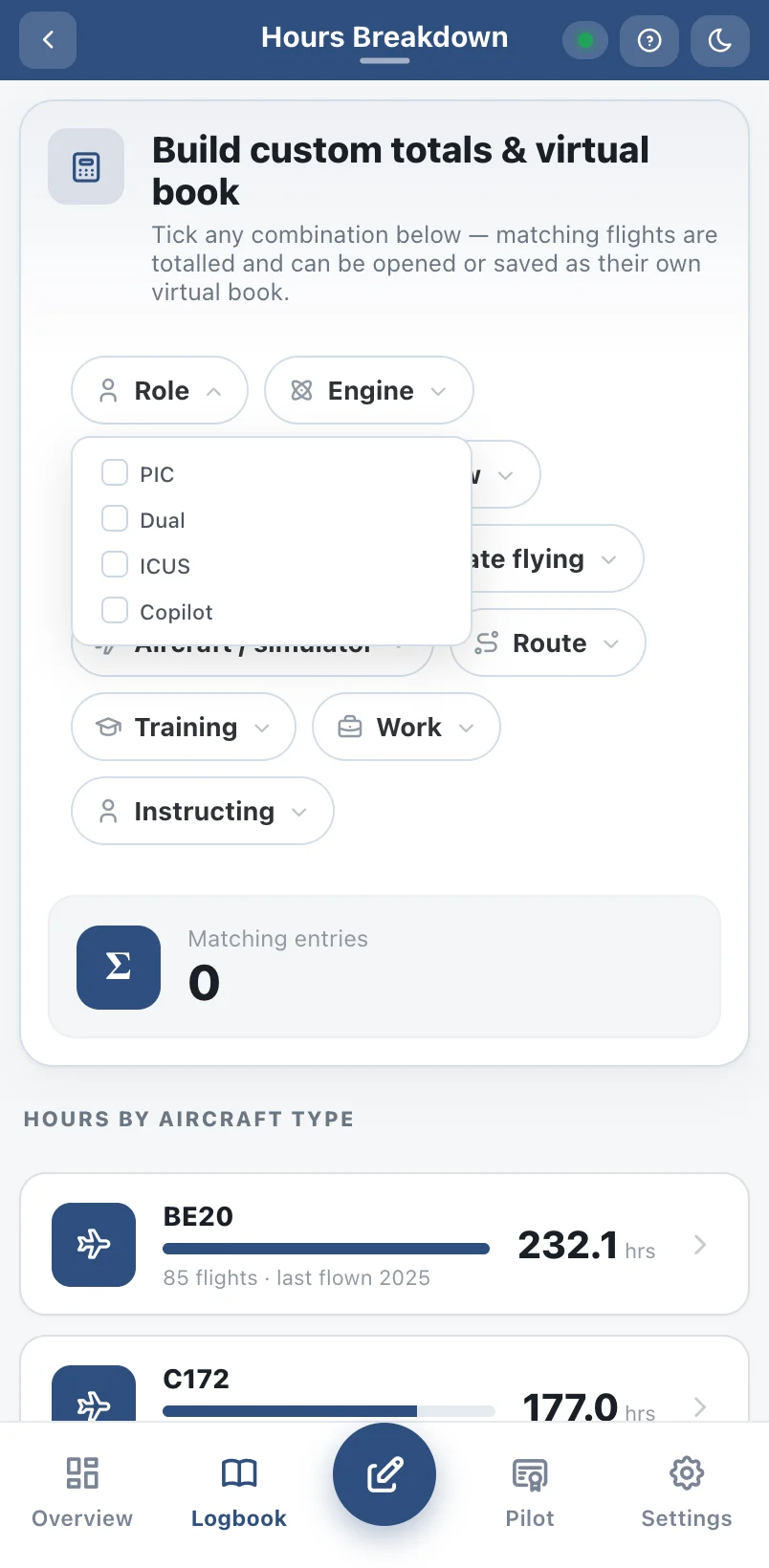
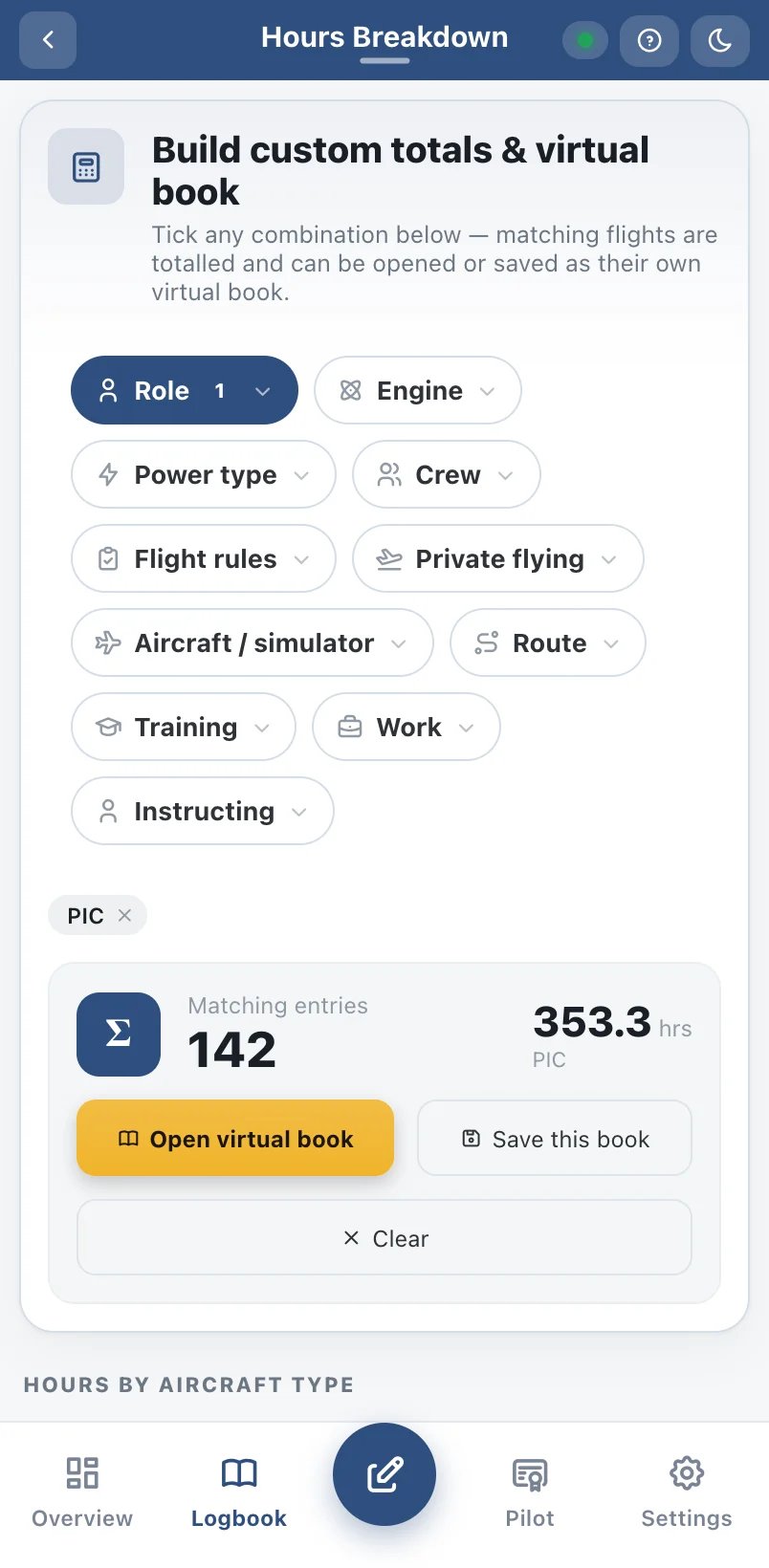
Your hours, any way you need them
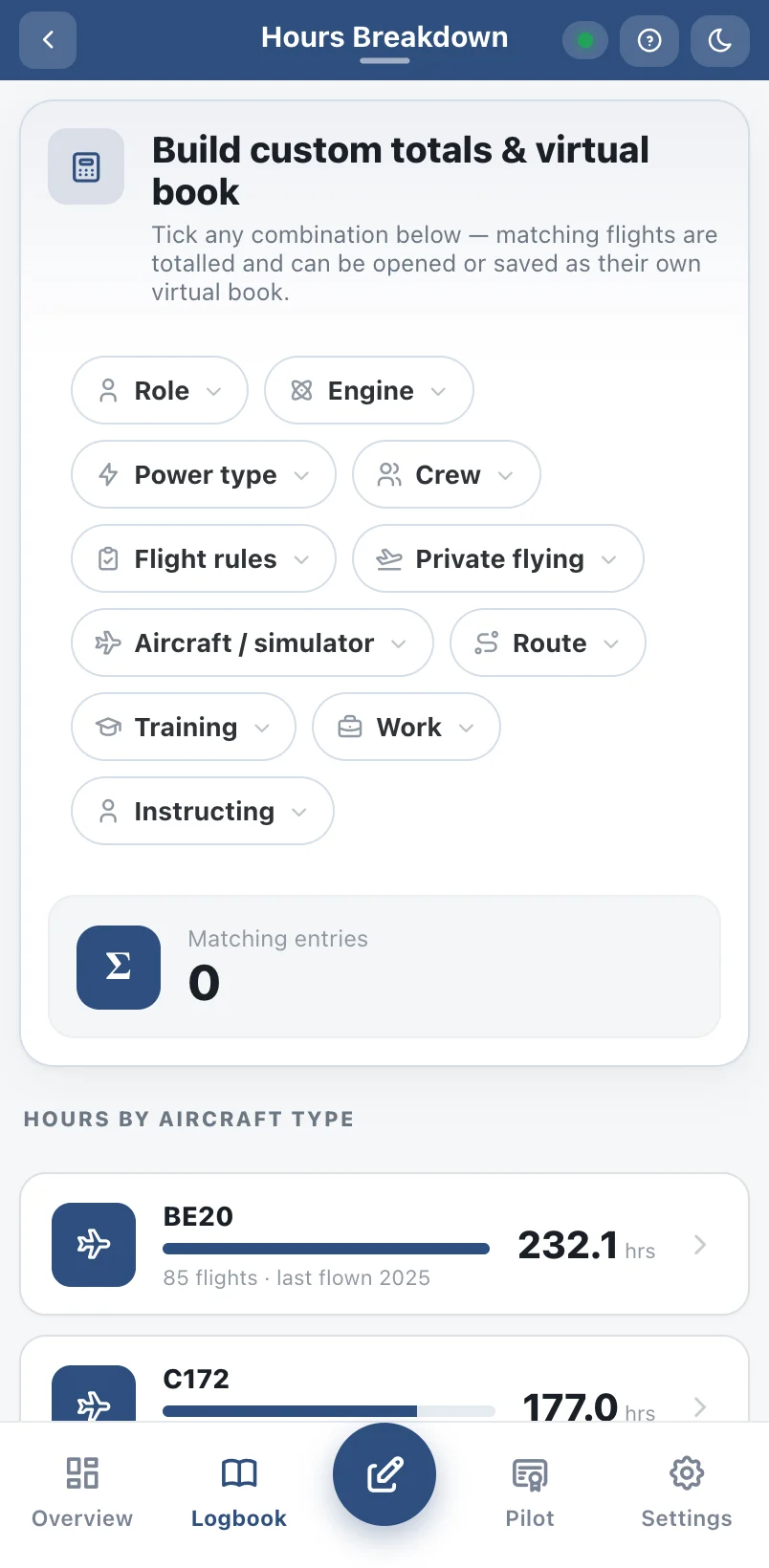
Totals by aircraft type, role, engine, flight rules and your own categories — ready for job applications and rating requirements.
- Build custom totals from any filters
- Save them as their own virtual book
- Export to CSV or PDF
See where you've flown
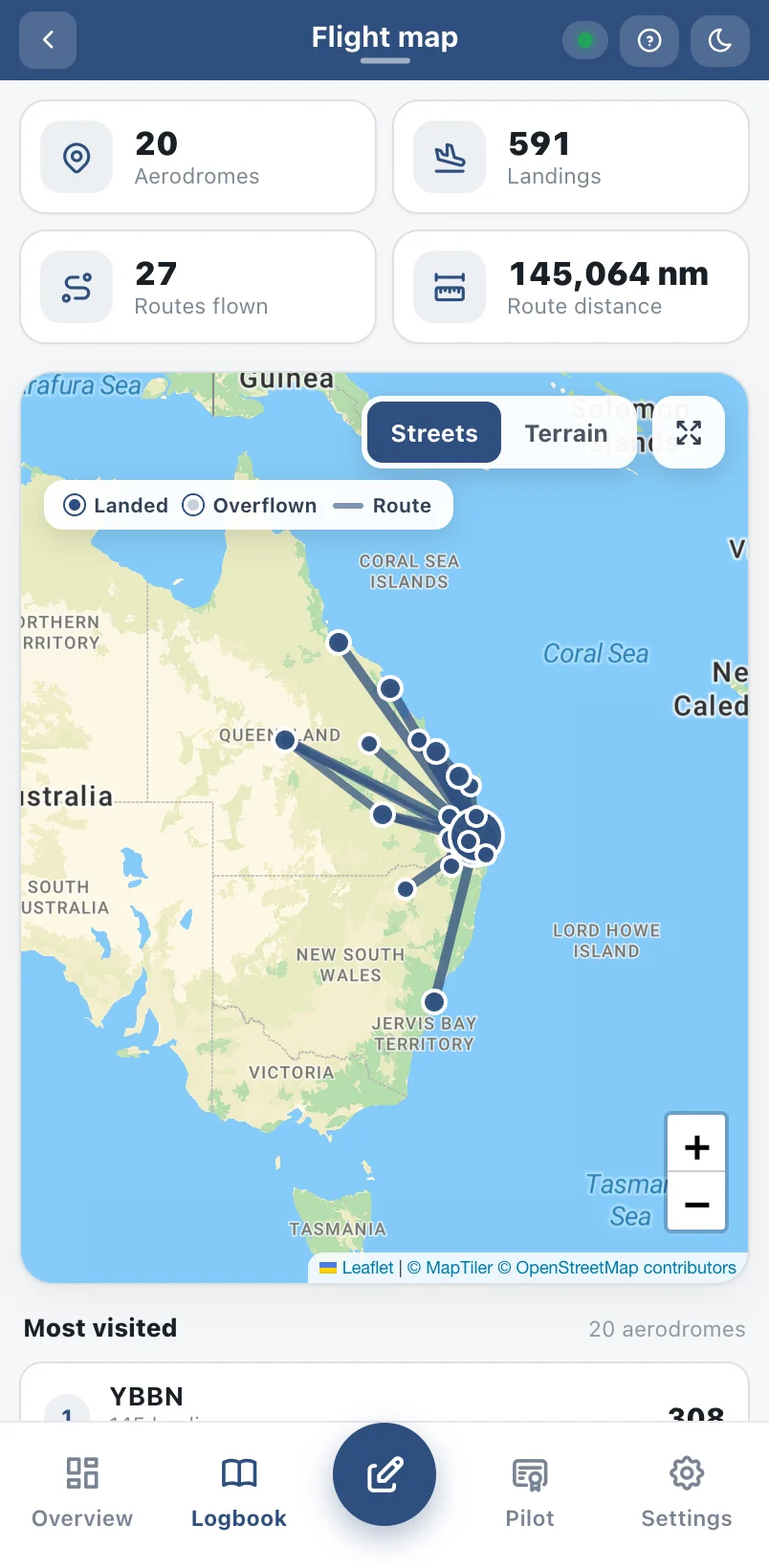
Every route and aerodrome you've logged, on a map, with landings and your most-visited airports.
- Routes drawn from your flight details
- Landings counted per aerodrome
- Street and terrain views
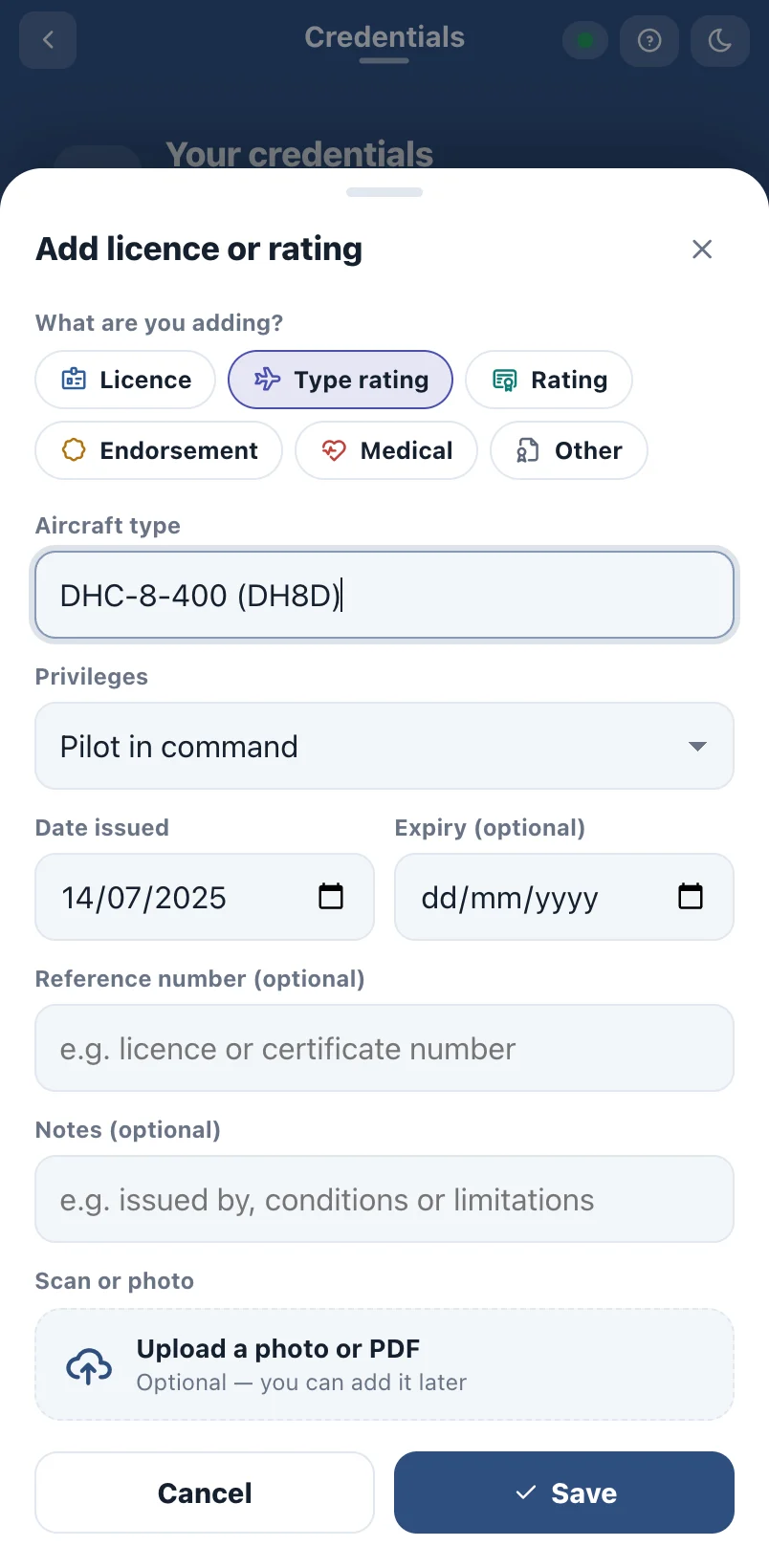
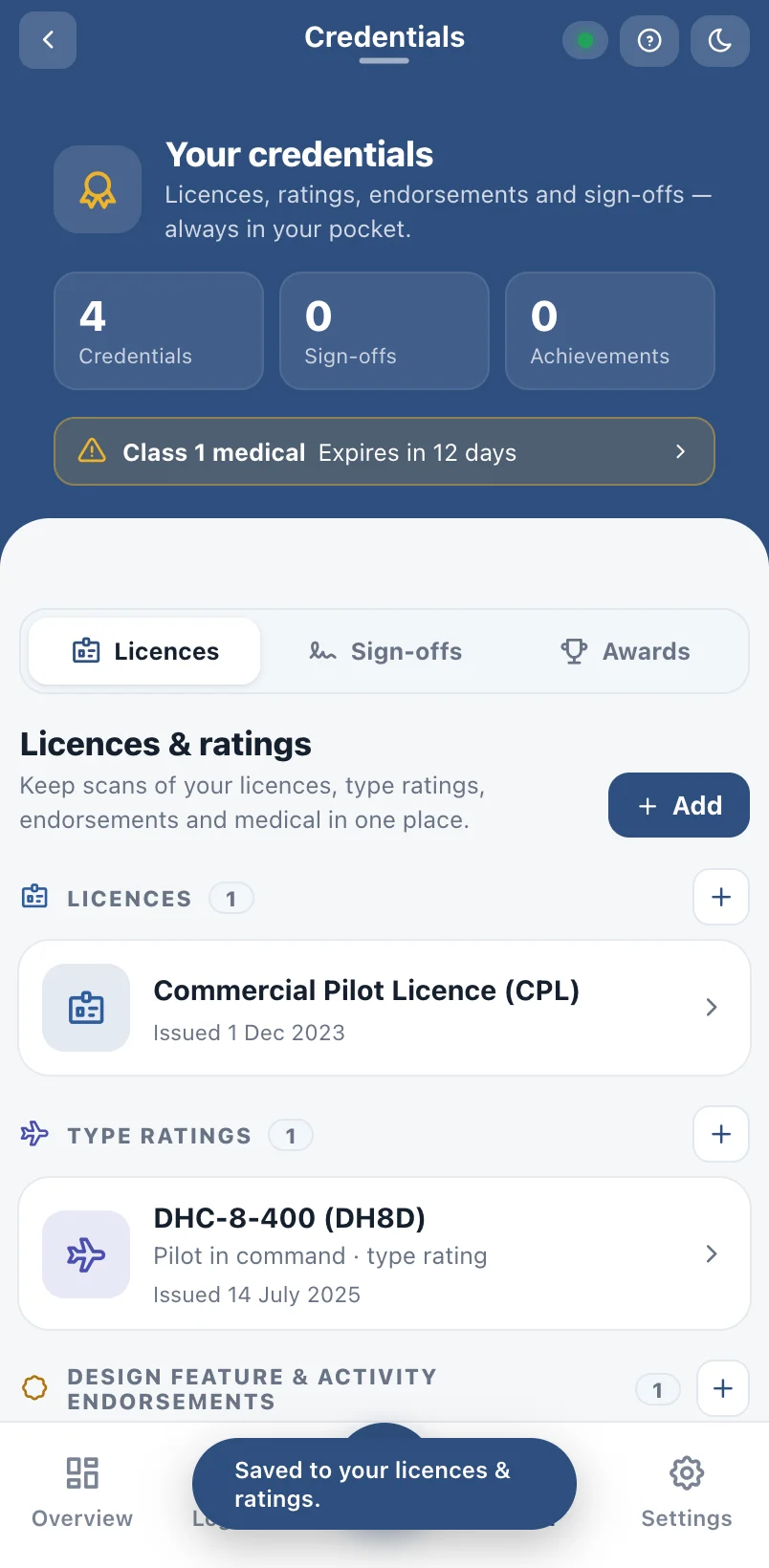
All your credentials in your pocket
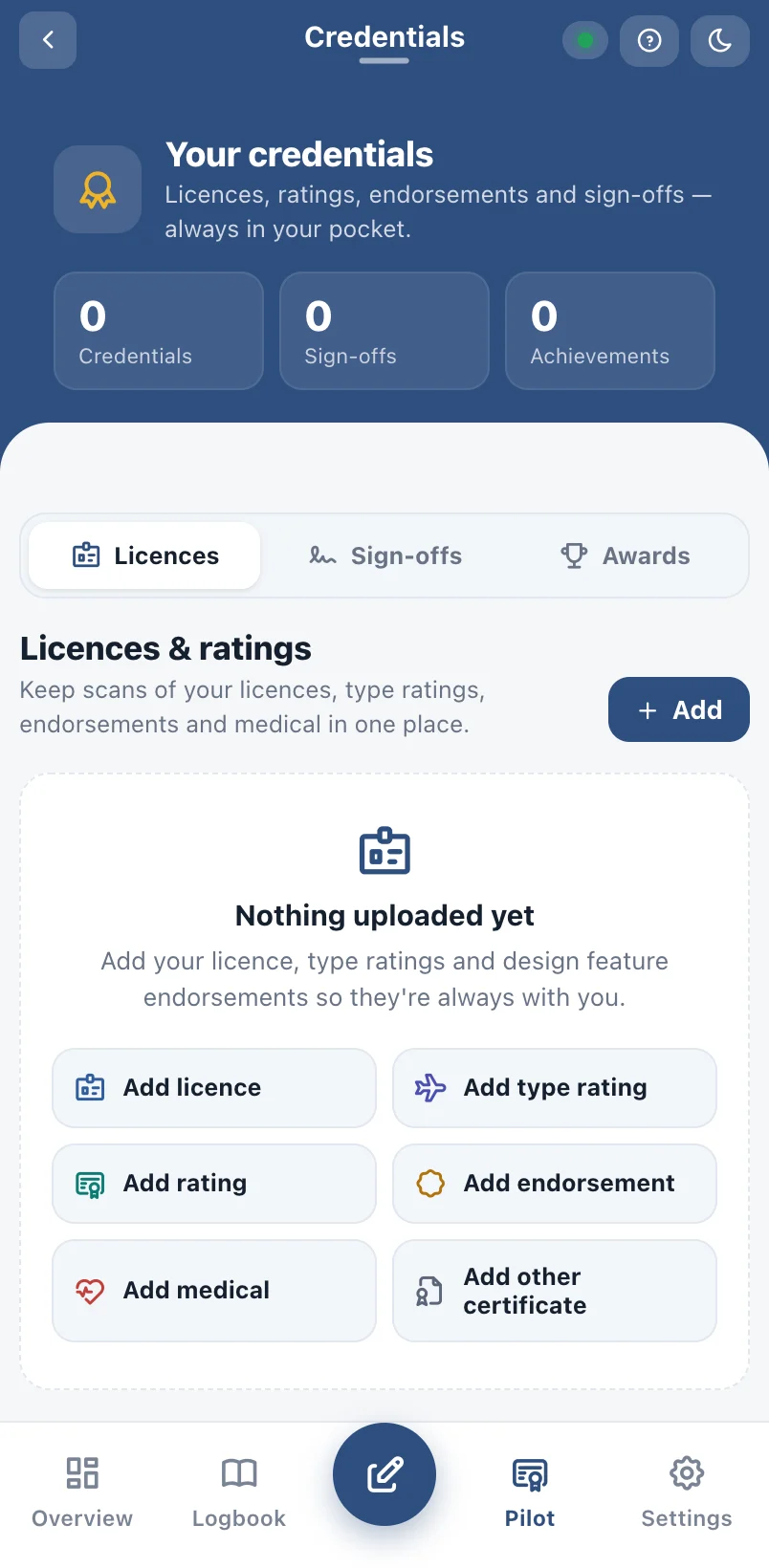
Keep scans of your licence, type ratings, design feature endorsements, medical and instructor sign-offs — with expiry warnings.
- Type ratings and endorsements
- Medical and IPC expiry reminders
- Instructor sign-offs with signatures
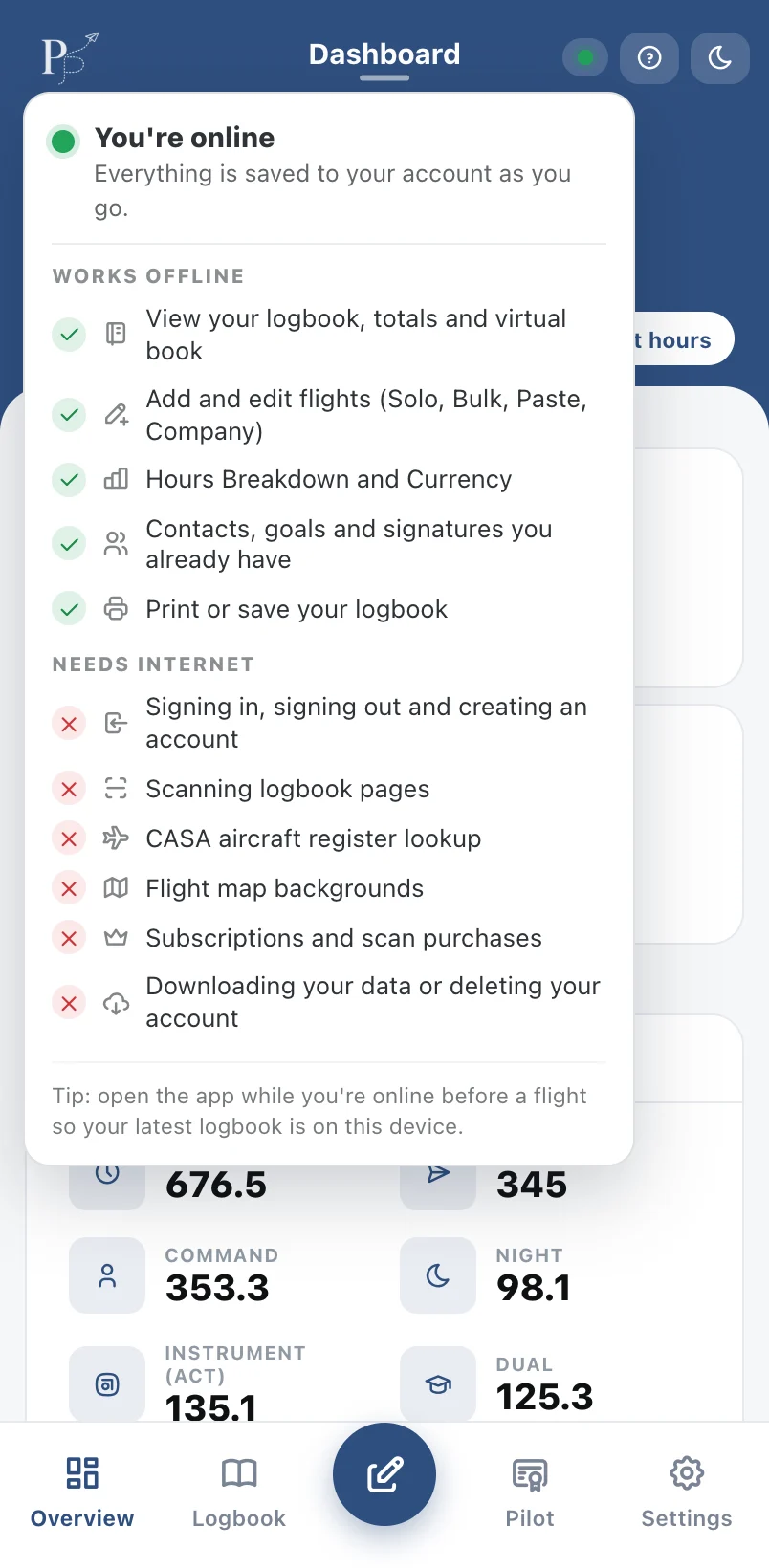
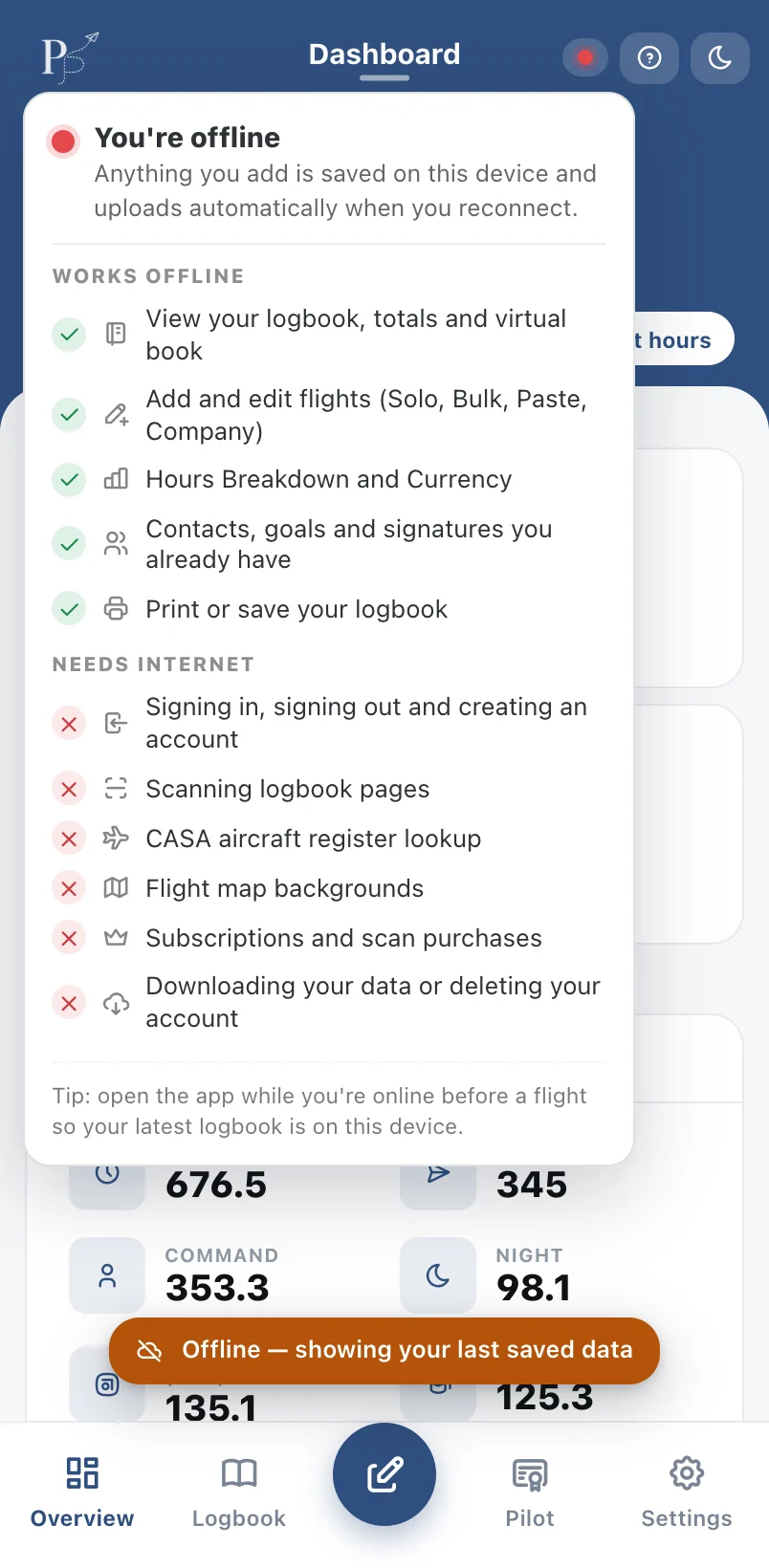
Works with no signal
Log flights at a remote strip or in the air. PilotPage saves on your device and syncs to your account when you're back online.
- Everything keeps working offline
- Automatic sync when you reconnect
- Your data follows you across devices
See it with your own flights
Everything on this page is in the free plan except page scanning. Start in your browser — it takes a minute.